Screen Play
The core format: the game runs as a content item in your existing playout, and passers-by play via QR code with their own phone, solo or in multiplayer.
Explore Screen Play
For screen operators, media sellers and DOOH networks
playvertise brings interactive games to DOOH screens, as a content item that slots straight into existing CMS and playout systems like Grassfish, Yodeck and Xibo. No parallel operation, no new system: the game runs as scheduled content in your existing screen infrastructure, controlled by smartphone.
DOOH campaign with playvertise
A library game for Screen Play with your branding, 2 screens included, no minimum term. See what's included
No developers, no custom builds. Pick a game, brand it and publish.
Choose a format, brand it in the visual editor and output it for the relevant screen format (portrait, landscape, LED wall).
Add the game as a content item in your existing system (e.g. Grassfish, Yodeck or Xibo), as HTML5 content, an iframe or via a player trigger. Scheduled like any other campaign in playlist and channel.
In standby an animated attract loop plays. When someone joins via QR code with their smartphone, the screen switches to the game and returns to the playlist afterwards.
Opt-ins and data fields GDPR-compliant; game interactions become measurable, beyond plain impressions.
The game runs as a content item in the playlist, and passers-by join via QR code. That is how a jump and run game for Stibitzer ran on 57 screens in Azerion's DOOH network in summer 2026.
Matching game: Jump & RunWhere touch is not possible, the smartphone replaces the touchscreen. The QR code is on the screen, and people play on their own phone.
Matching game: Catch GameHigh footfall, short dwell time: that calls for games with fast rounds. For the Ö3 Wecker Challenge, a custom-built voting module ran on advertising screens at 18 train stations.
Matching game: Stack TowerGrassfish, Yodeck, Xibo and other HTML5 players play the game as HTML5 content, an iframe or via a player trigger. It is scheduled like any other campaign.
Every game is fully branded: logo, colors, game graphics, prize pool and contact fields.
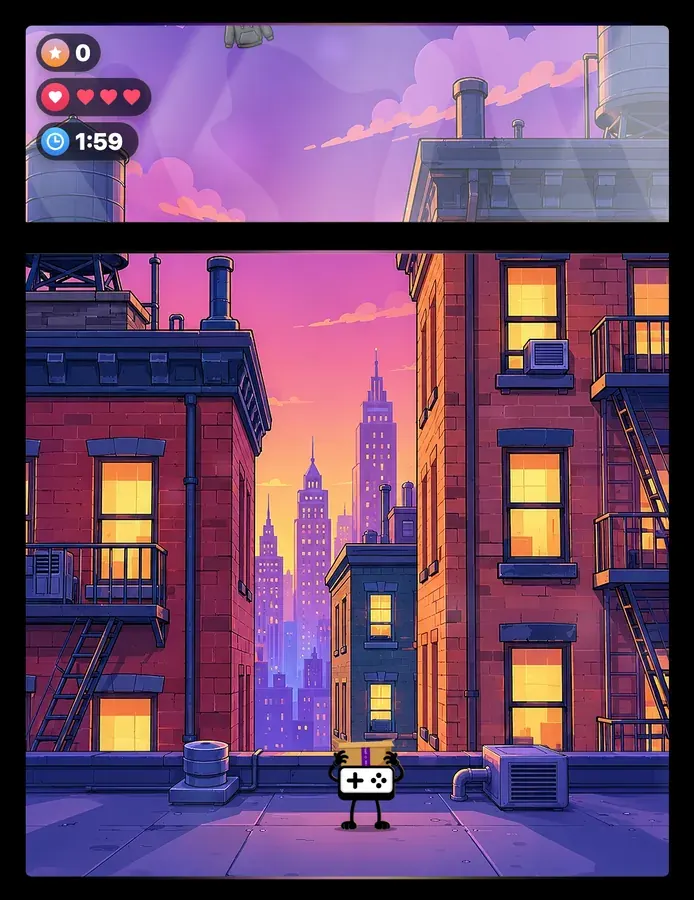
Catch falling objects, avoid bombs and collect points. A fast reaction game with increasing difficulty.
Details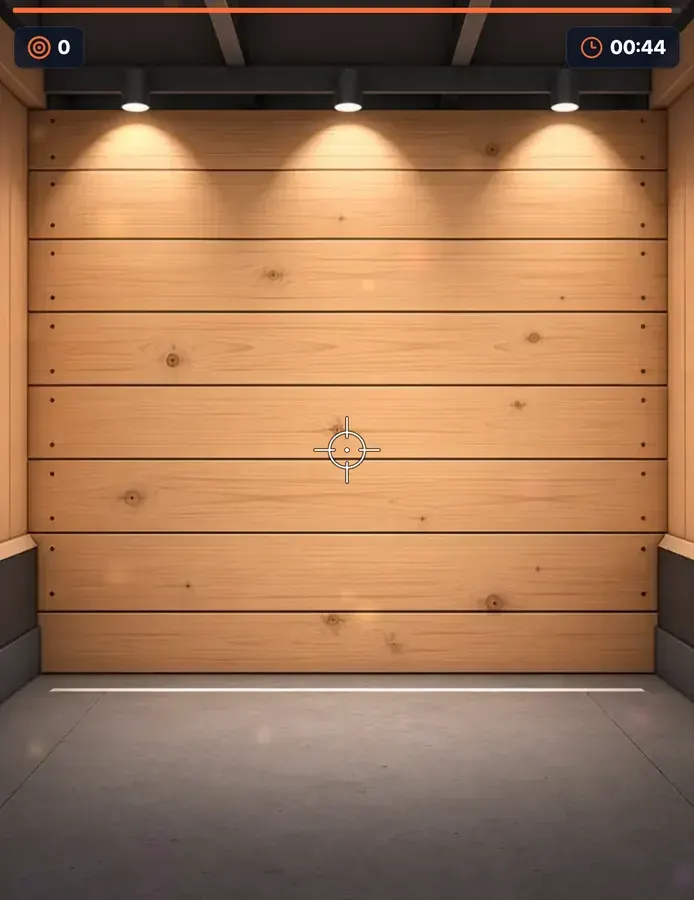
Take aim at moving targets and hit as many as you can before time runs out. Precision is everything.
Details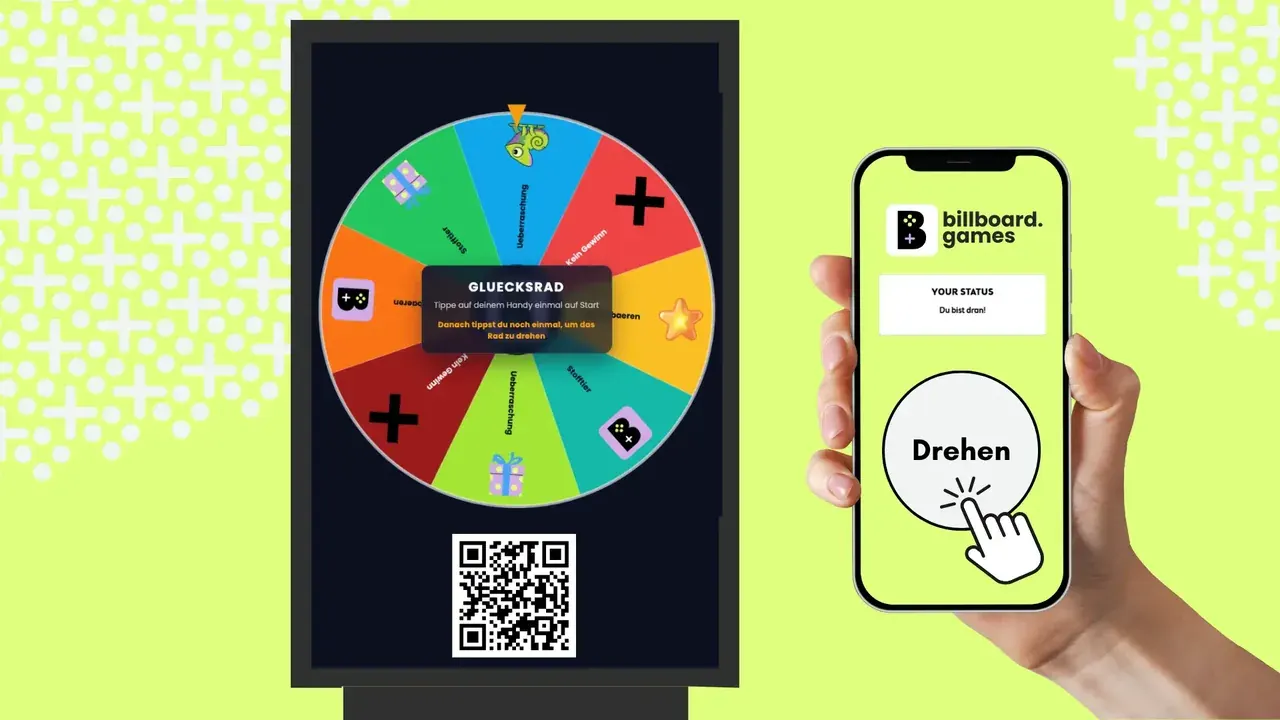
A proven format for prize draws and promotions. A single spin is enough to grab attention and get visitors playfully involved.
Details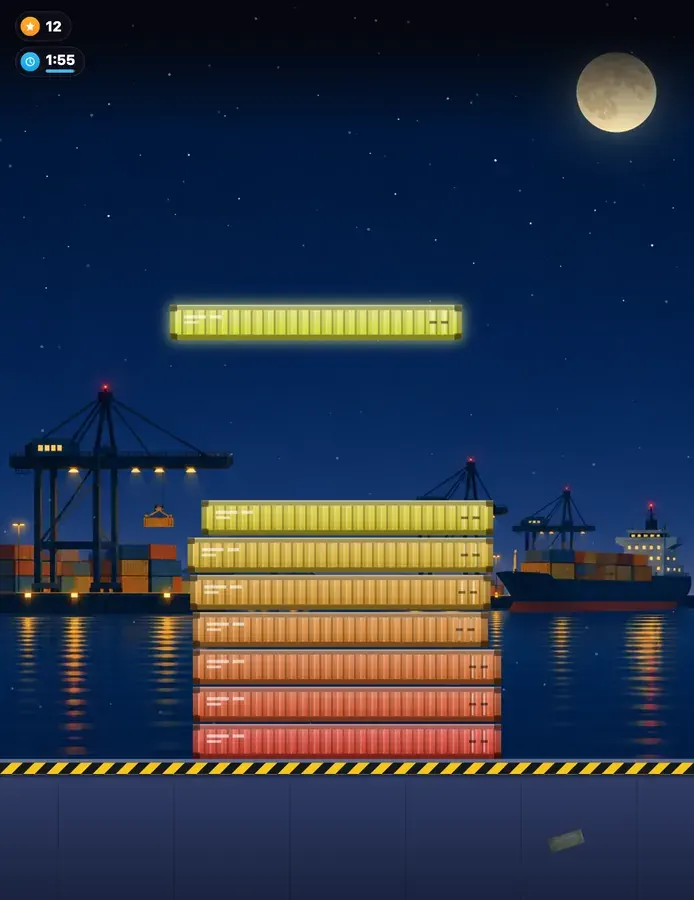
Stop the sliding block at the right moment and build the tallest tower. Precision is rewarded.
Details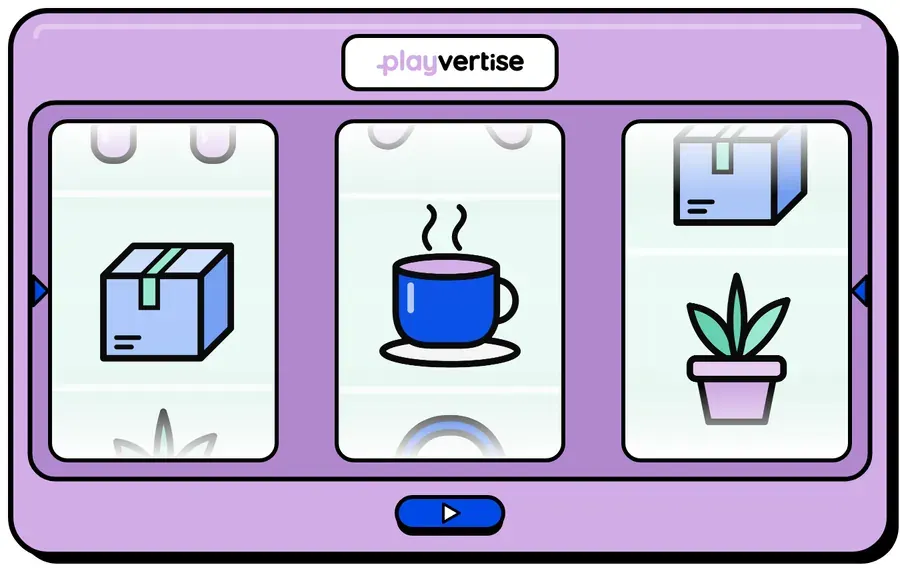
Three columns of your brand symbols spin and stop one after another. If the middle row shows the same motif three times, it's a match.
Details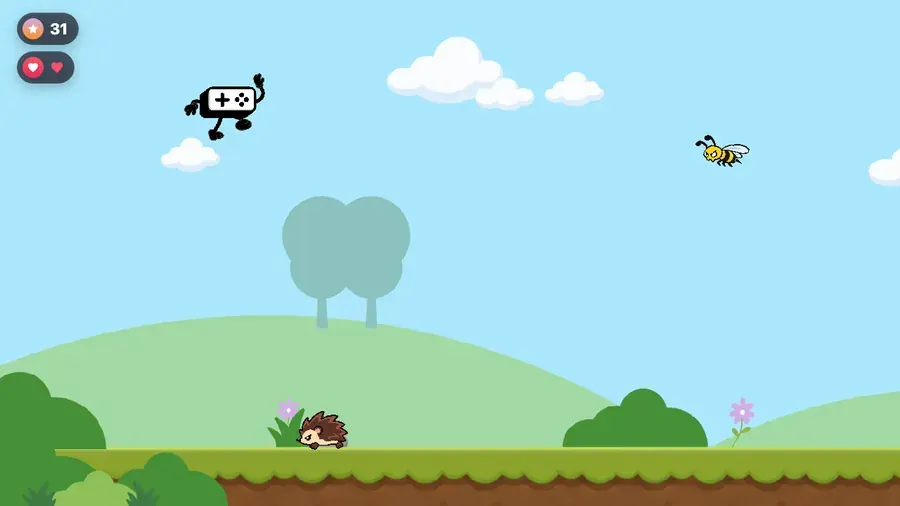
Run as long as you can, earn points over time and lose lives when you hit an enemy.
DetailsMost games run in both channels: Screen Play with the phone as controller, or on Web & Social, entirely in the phone browser, optionally embedded in your website.
The core format: the game runs as a content item in your existing playout, and passers-by play via QR code with their own phone, solo or in multiplayer.
Explore Screen PlayThe extension to the phone: where the screen runs in the regular loop, the QR code leads to a smartphone version, and on the brand website the game runs embedded.
Explore Web & SocialClassic DOOH space broadcasts one way, the passer-by watches and moves on. An integrated game turns the display into an interactive touchpoint that creates participation and measurable interaction, all without touching your existing screen infrastructure.
As HTML5 content, an iframe or via a player trigger. This works in Grassfish, Yodeck, Xibo and other HTML5 players. The game is scheduled in playlist and channel like any other campaign.
In standby an animated attract loop with a QR code plays. When someone joins with their smartphone, the screen switches to the game and returns to the playlist afterwards.
Portrait, landscape and LED wall. The game is branded in the editor and output for the relevant screen format.
No. Passers-by control the game with their own smartphone, no app. The screen needs a browser or HTML5 player and an internet connection from 10 Mbit/s.
By interactions instead of impressions alone: the dashboard shows plays and new contacts live, plus scans, dwell time and prize redemptions, with export as CSV.
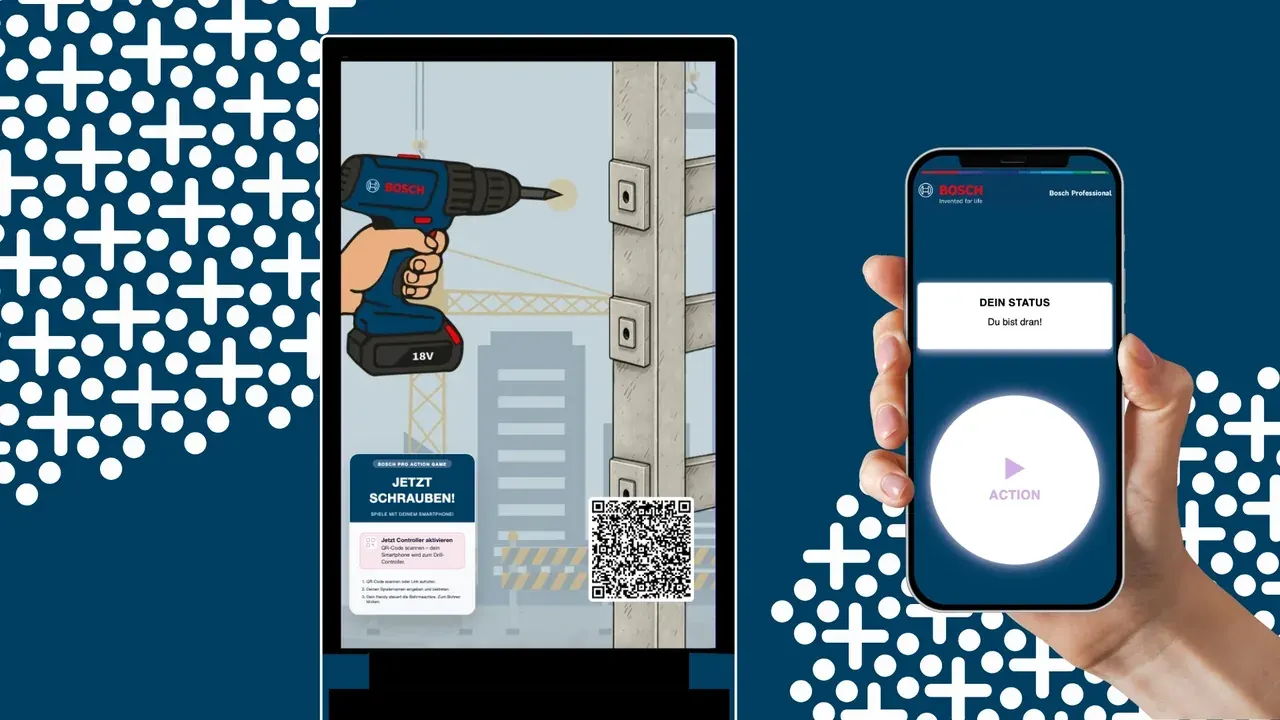
Custom game for Bosch Professional in public space.
View case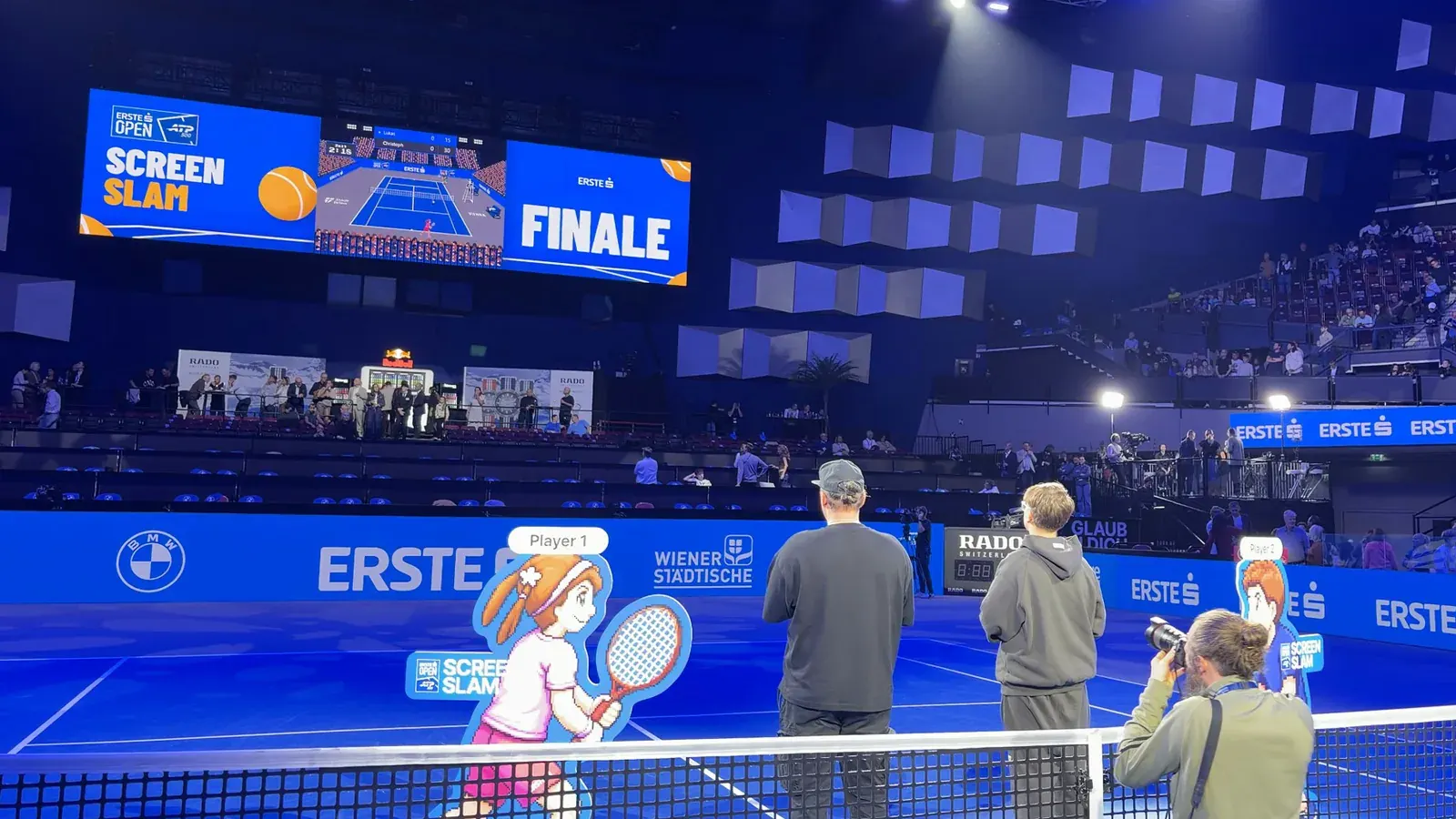
Center Court as a custom game for the Erste Bank Open: playable across various formats, open to everyone and promoted via digital out-of-home.
View case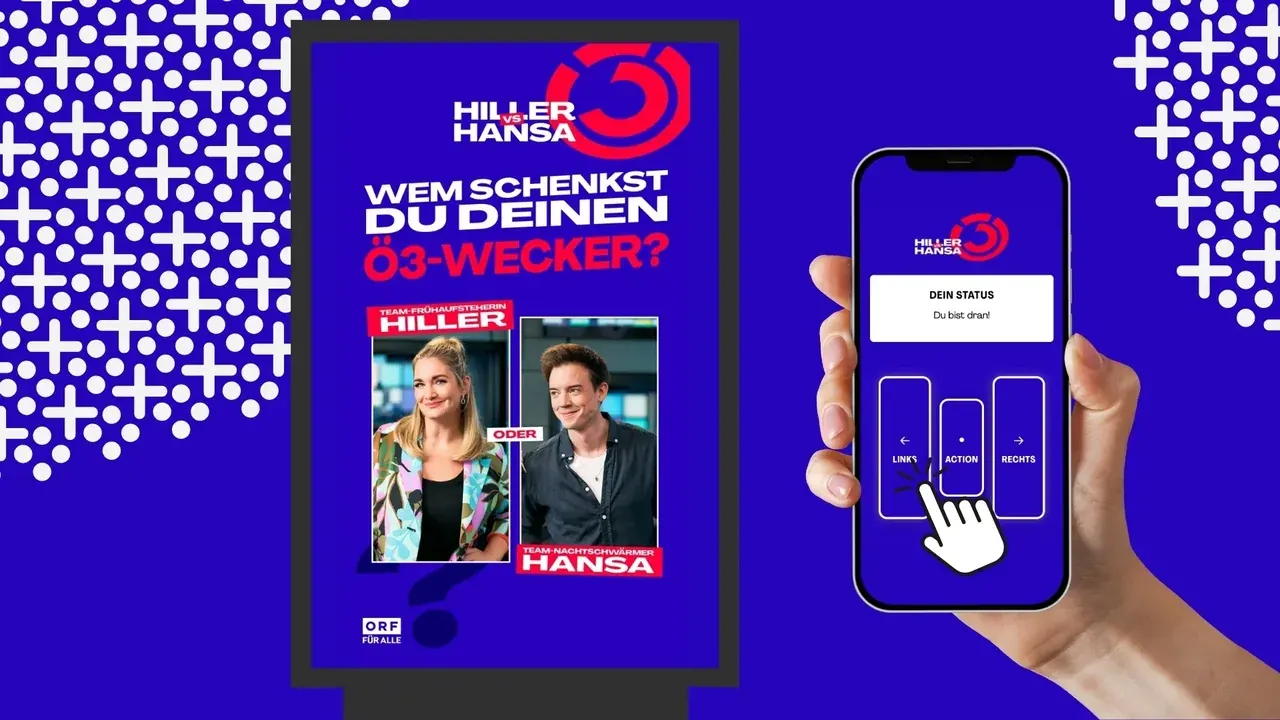
The OE3 wake-up show becomes an interactive campaign at train stations across Austria.
View caseplayvertise runs fully in your branding, GDPR-compliant and with a short setup time. People play on the big screen with their smartphone as the controller or right on their phone, with no app download.
20 minutes via video call, no obligation. We usually answer requests within 24 hours.