Trade shows & events
The same flow at the stand: a screen or laptop with a browser, and your guests' phones as controllers.
See the industry
For trade shows, events, shop windows and ad screens. Your branded game runs right inside Grassfish, Yodeck, Xibo and other HTML5 players, or on any screen with a browser. Anyone who wants to play scans the QR code and controls the game with their own phone. No app.
For trade shows, events, shop windows and ad screens. Scan the QR code, play with your phone, no app.
DOOH integration
For screen networks, advertising screens and digital signage: no new player, no new workflow.
The game runs as a web app in the player you already use: Grassfish, Yodeck, Xibo and any player that plays HTML5. It sits in the playlist next to your spots.
Whoever scans steers the game on the screen with their own phone. If the screen moves on in the loop, the scan opens the phone version of the same game.
You see plays, scans and new contacts live in the dashboard. Reach turns into measurable interaction.
You run or sell a screen network?Screen advertising for network operators
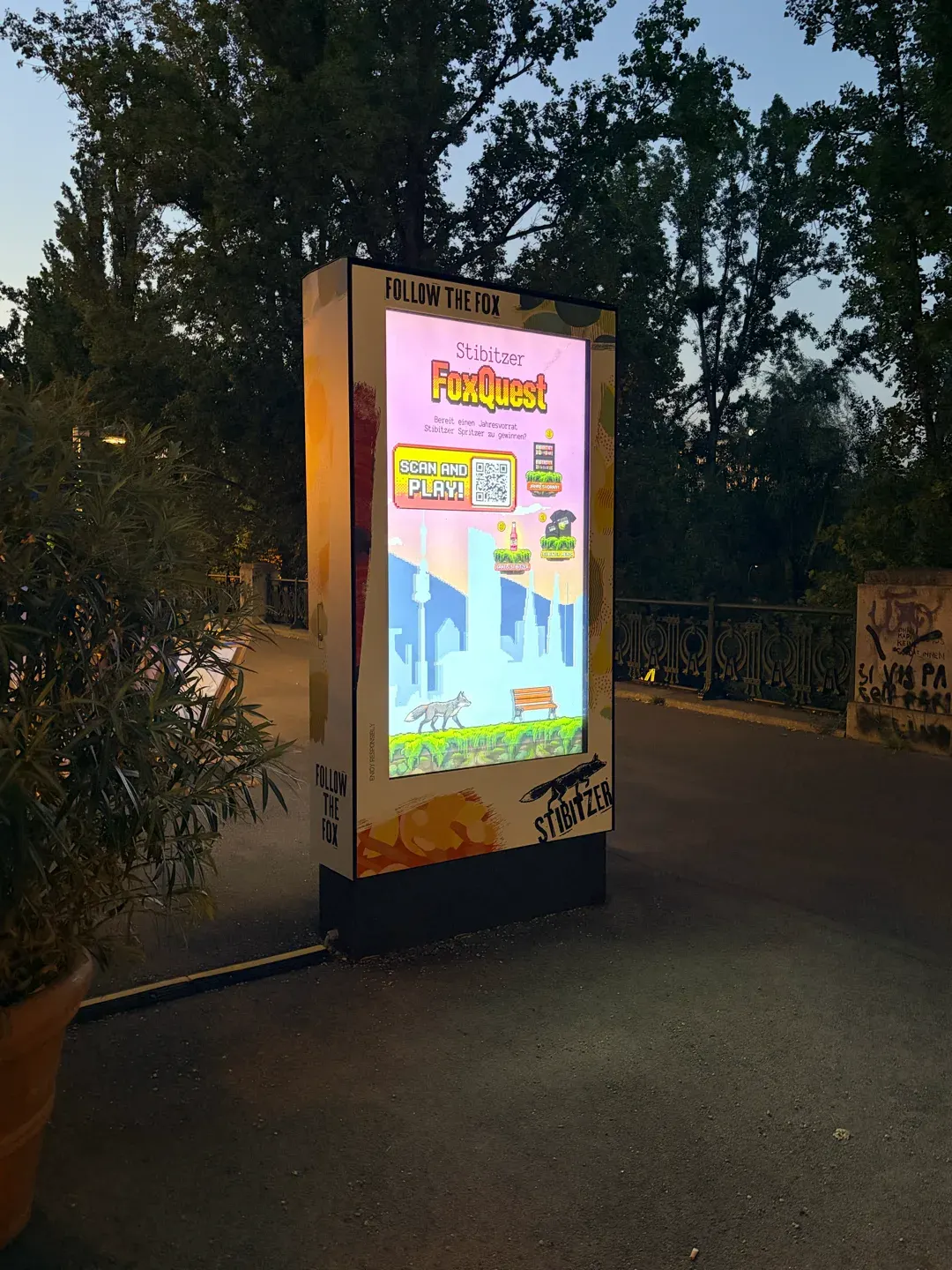
57 advertising screens across Austria
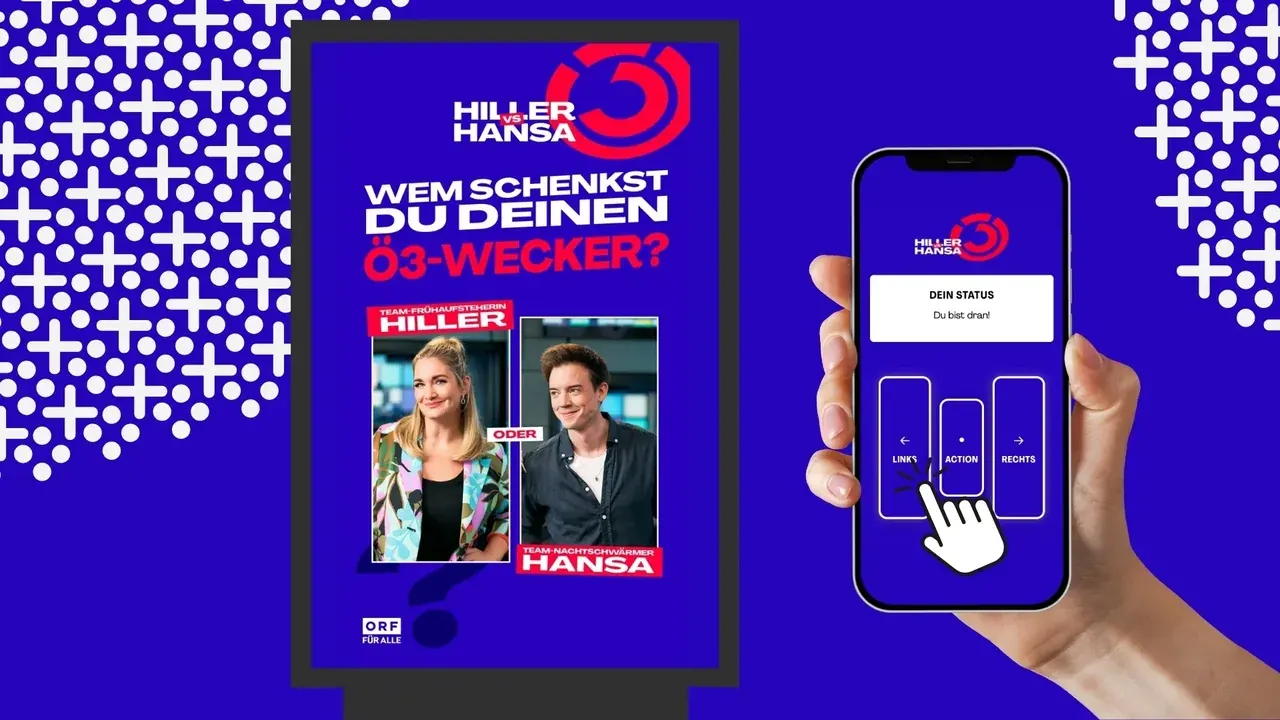
18 train stations from Vienna to Innsbruck
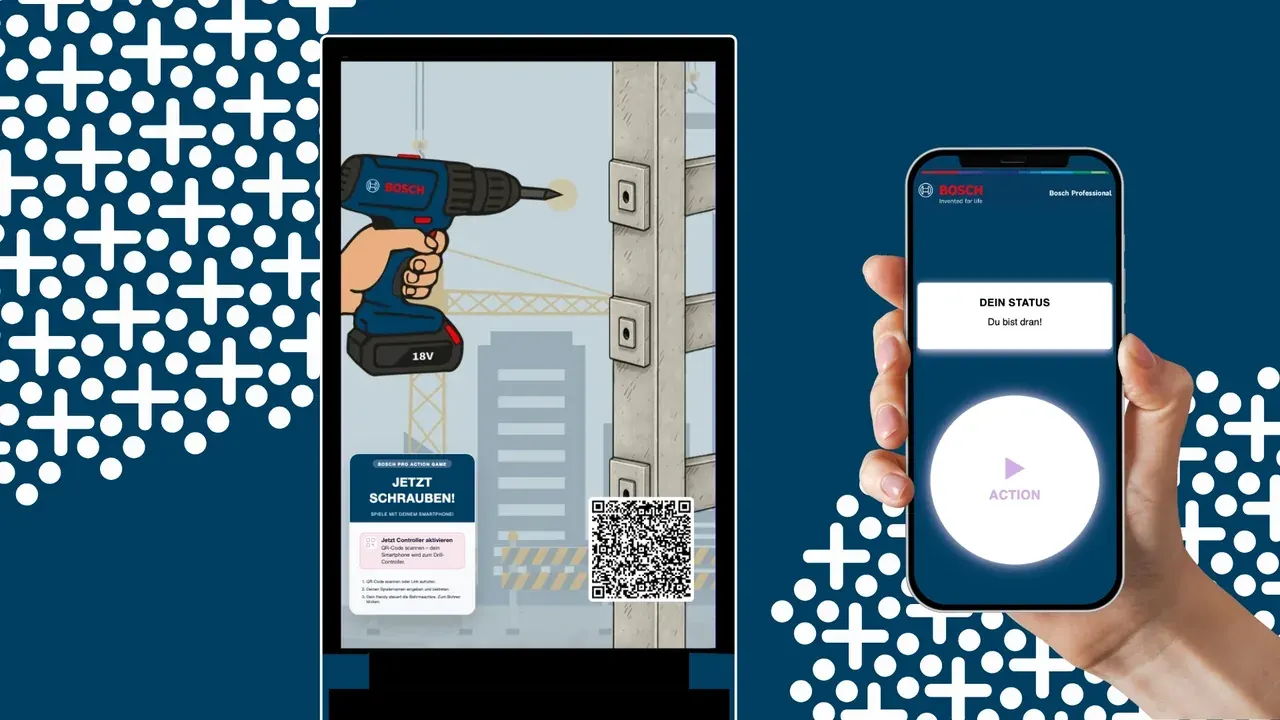
Custom game for Bosch Professional in public space.
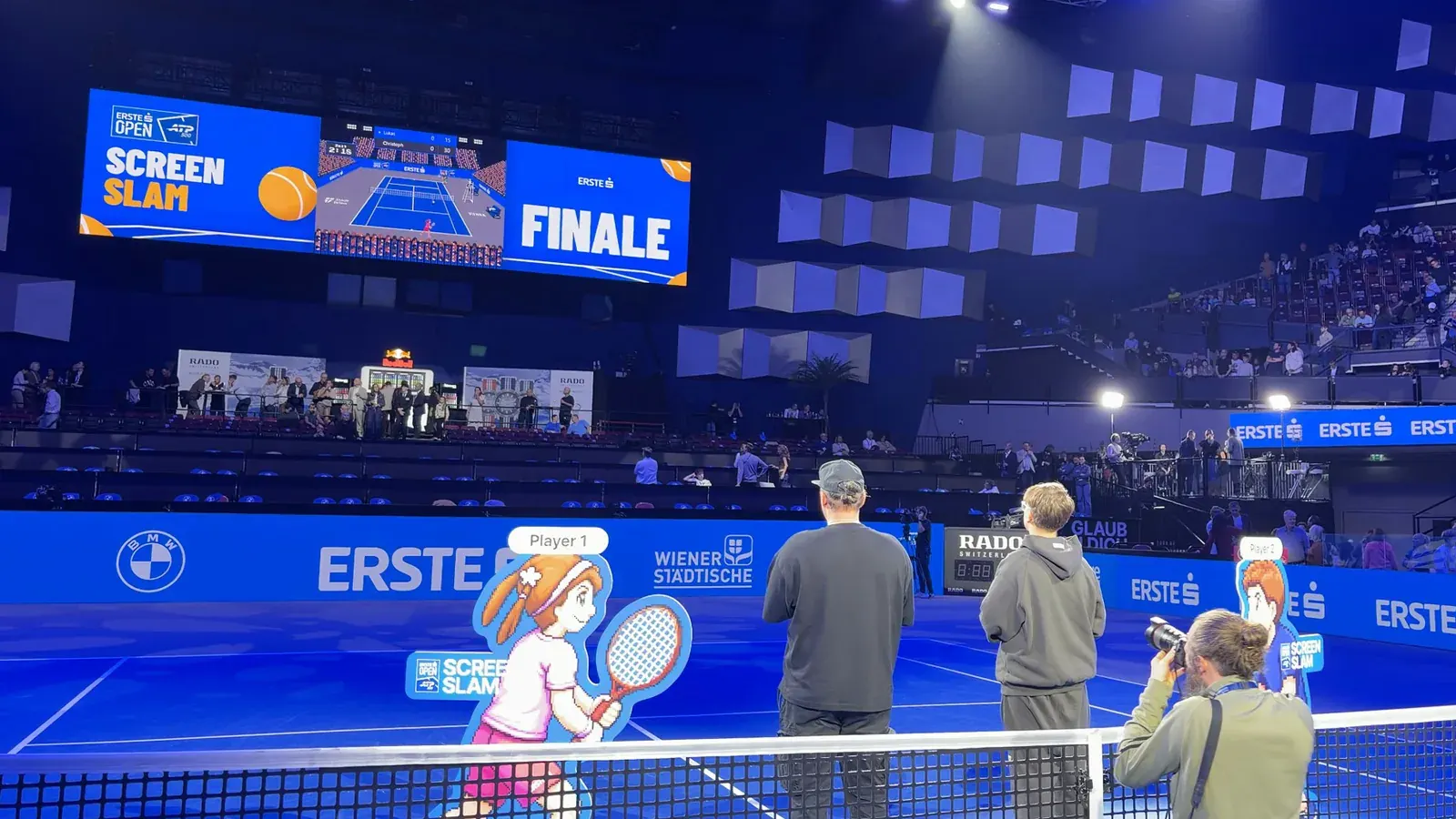
Center Court as a custom game for the Erste Bank Open: playable across various formats, open to everyone and promoted via digital out-of-home.
One game, every channel
You brand a game once and use it across channels: on ad screens, at trade show booths and in shop windows, plus in the phone browser and embedded in your website. The game cards show which games run where.
The same flow at the stand: a screen or laptop with a browser, and your guests' phones as controllers.
See the industryOn phones, your website and social media
Explore Web & SocialFeatures
Several people play at the same screen at once.
Newcomers automatically join the next round.
Today's leaderboard right on the screen.
Portrait, landscape, banners, LED walls in any pixel size.
Status of every screen, rounds played and contacts live in the dashboard.
Export as CSV or straight into your CRM.
One game, your brand
The same game in your look – at the trade show stand, in the shop window and on ad screens.
Trade show standNordwerk
Shop windowLumi Optik
Ad screenVelo & Co
How it works
Pick a game from the game library and make it yours in the GameHub: logo, colors, prizes and contact fields. No code, or we set it up for you.
The game runs in your player system or on any screen with a modern browser, from an advertising screen to the laptop at your stand.
Passers-by scan the QR code and play with their own phone. You see plays and new contacts live in the dashboard, with prizes right next to them.
Games
All of them run on the big screen with the phone as controller. Click a game for details and the demo.
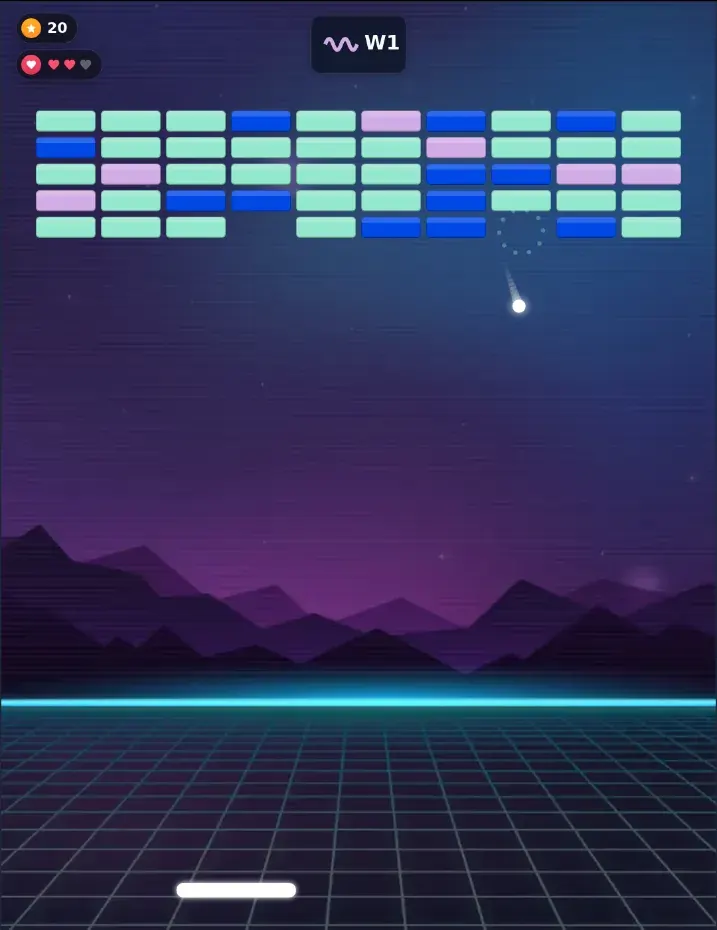
Steer the ball with your paddle and break all the blocks. An arcade classic with power-ups and levels.
Details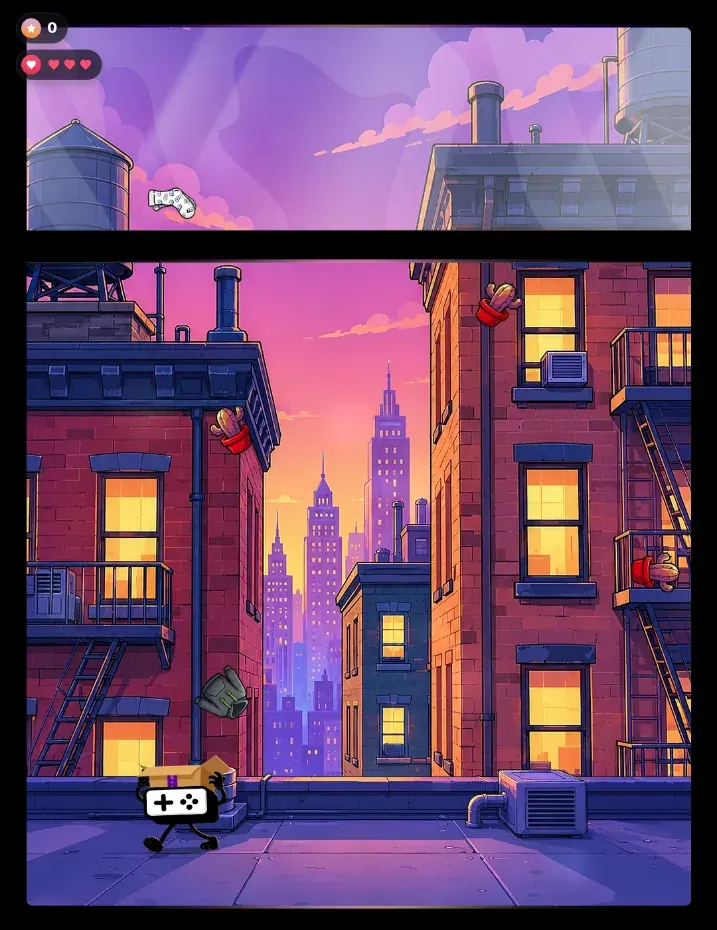
Catch falling objects, avoid bombs and collect points. A fast reaction game with increasing difficulty.
Also on Web & Social
Details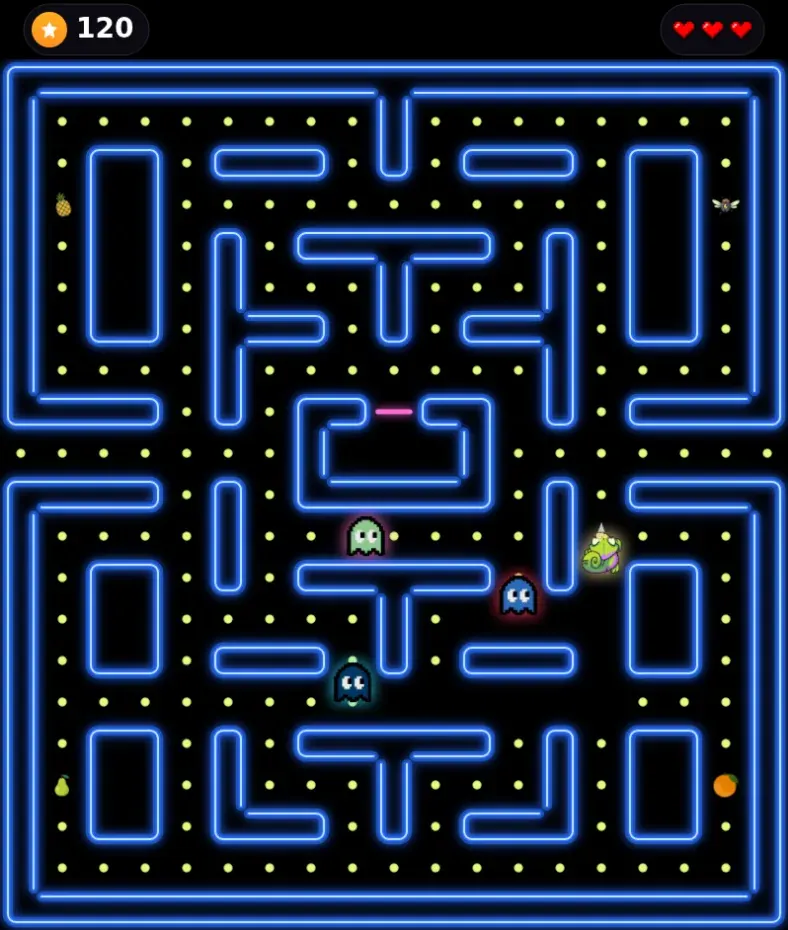
Guide the chaser through the maze, collect goodies and avoid contact with enemies.
Also on Web & Social
Details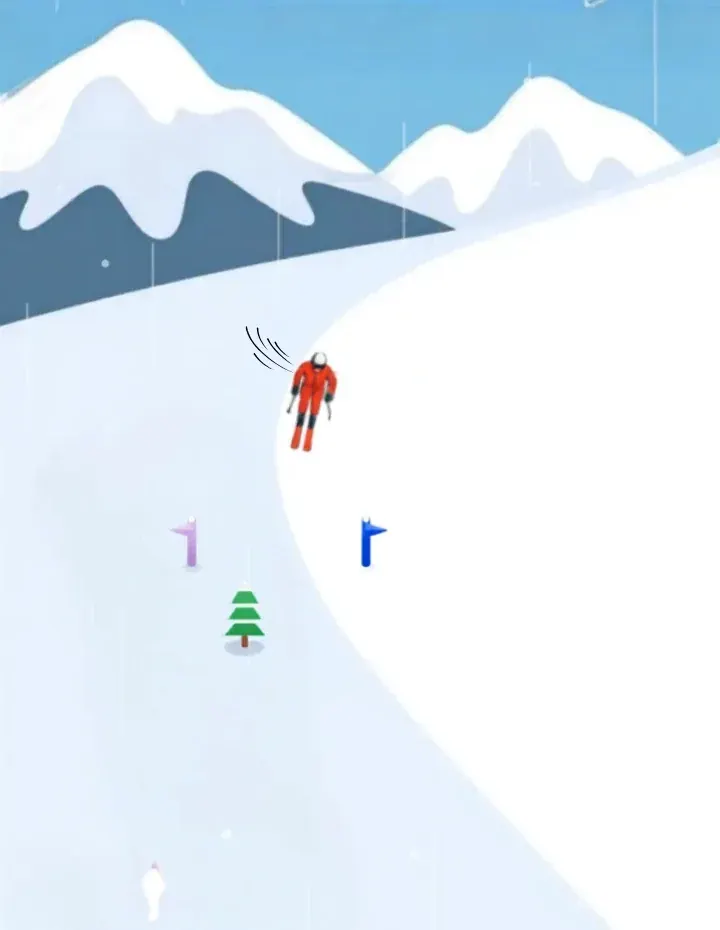
Steer a skier down a slope, race through gates, and avoid obstacles. A racing game with time tracking and multiplayer support.
Details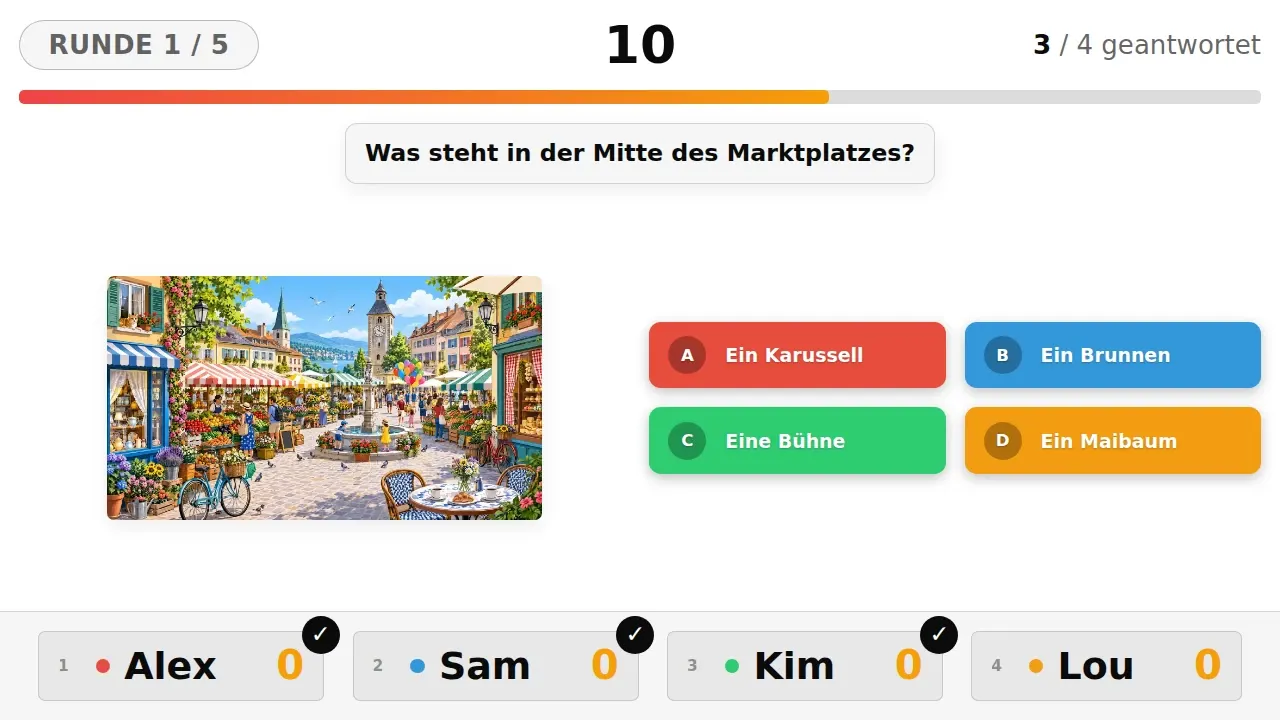
A quiz duel for stages, trade shows and events: up to ten players on the same screen, as a buzzer round or everyone at once.
Details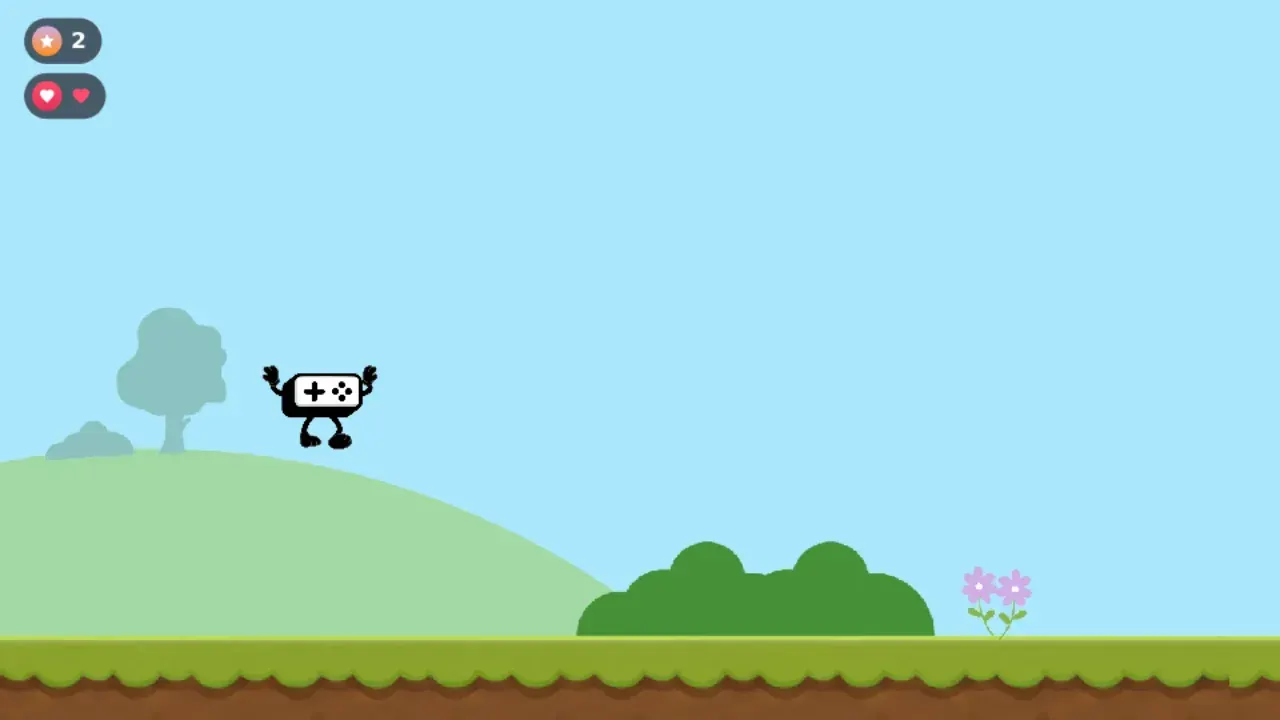
Run as long as you can, earn points over time and lose lives when you hit an enemy.
Also on Web & Social
Details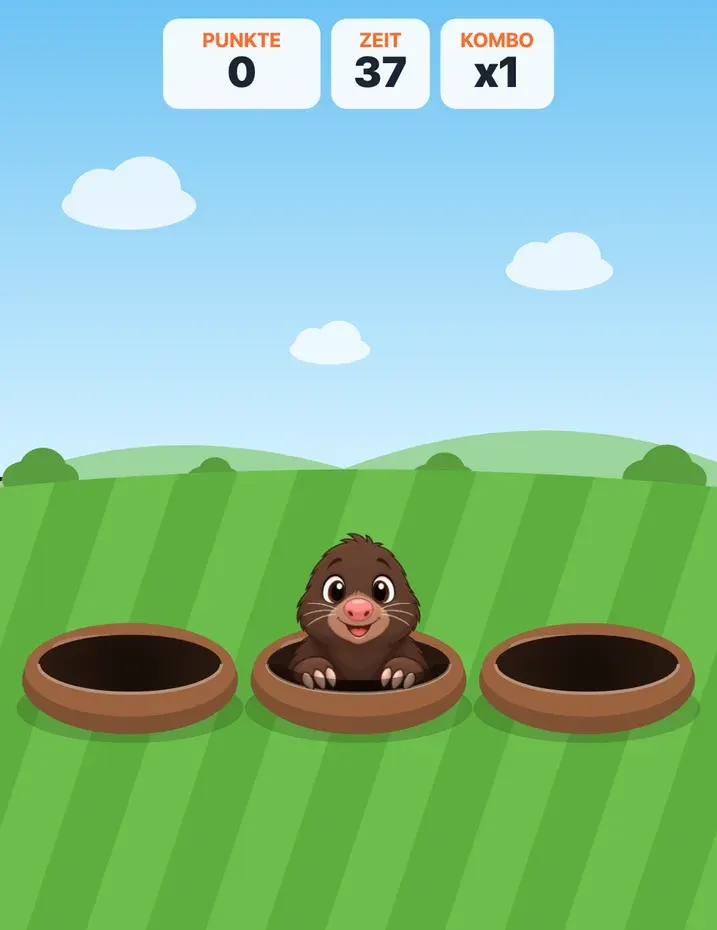
Figures pop out of their holes for a moment: hit them fast, build streaks, avoid the troublemakers. The pace keeps rising.
Also on Web & Social
Details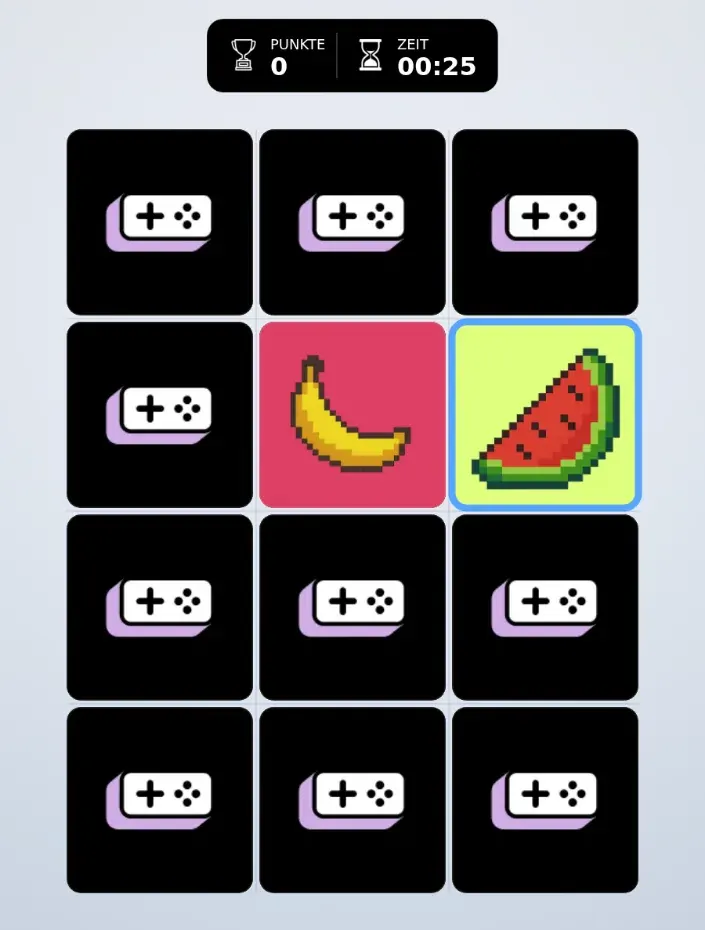
Find matching pairs of cards in this classic memory game. Available with a time limit or as a single game with different grid sizes.
Also on Web & Social
Details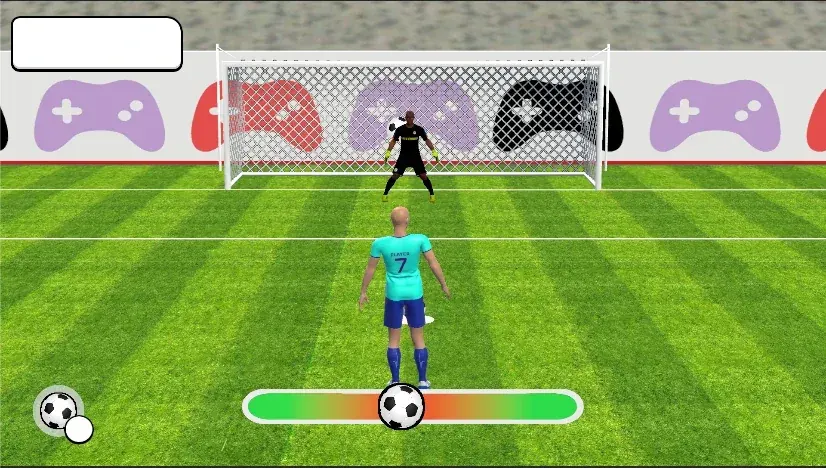
Choose your shot direction and power and bury the ball in the net. A penalty shootout with increasing difficulty.
Also on Web & Social
Details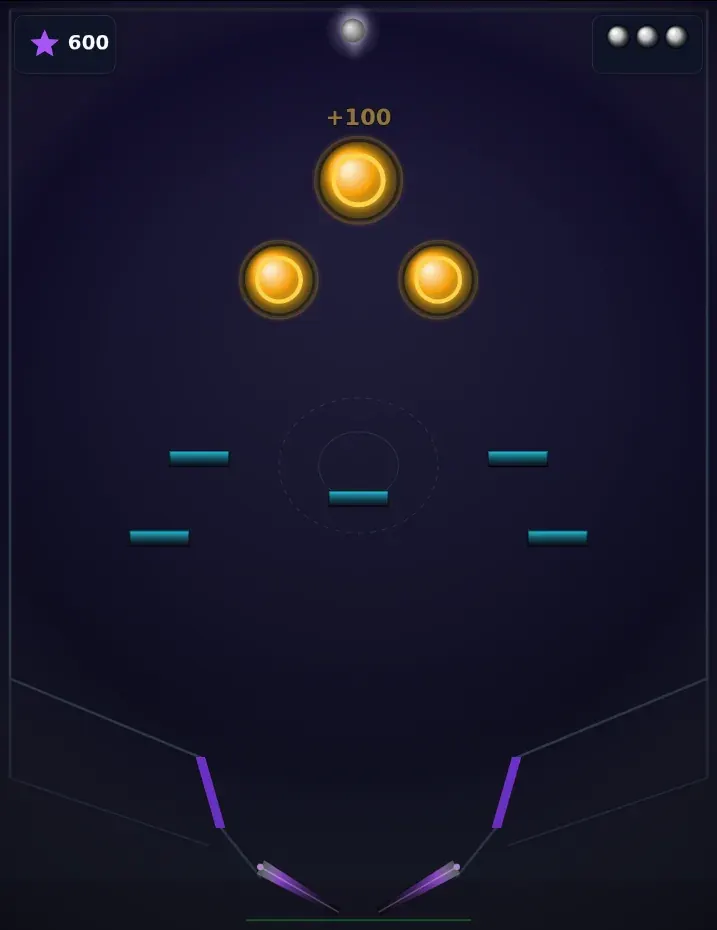
Control the flippers and keep the ball in play. Hit bumpers and ramps for points and combos.
Details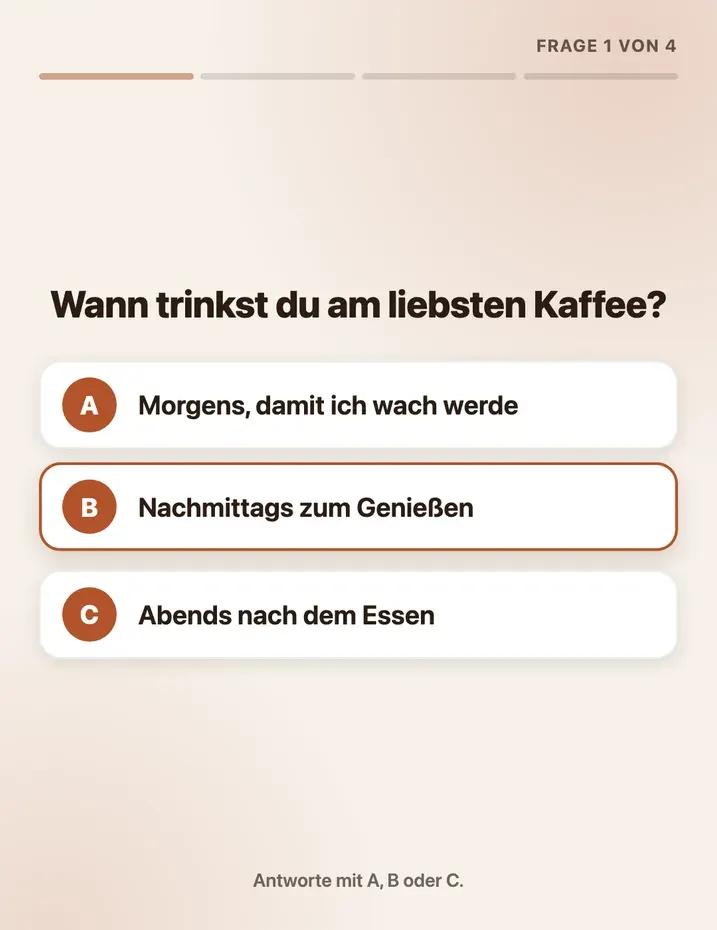
Guided product advice: a few short questions, then the matching recommendation with image, link and an optional voucher.
Also on Web & Social
Details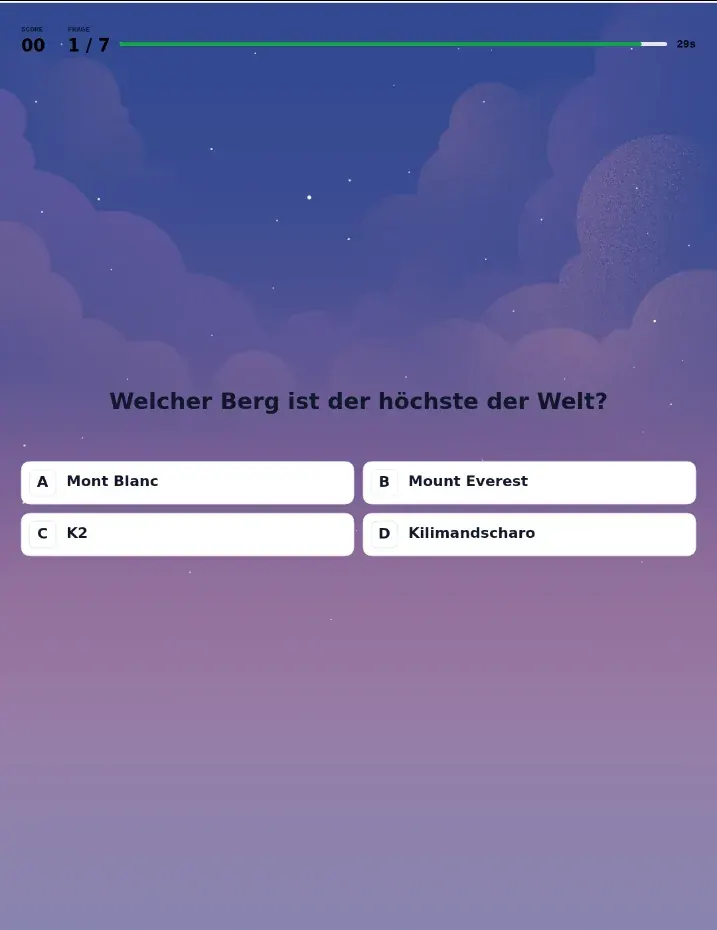
Quiz for trade show booths, events and screens: visitors answer your questions on their own phones, with no buzzer system and no app. Multiple choice and true/false.
Also on Web & Social
Details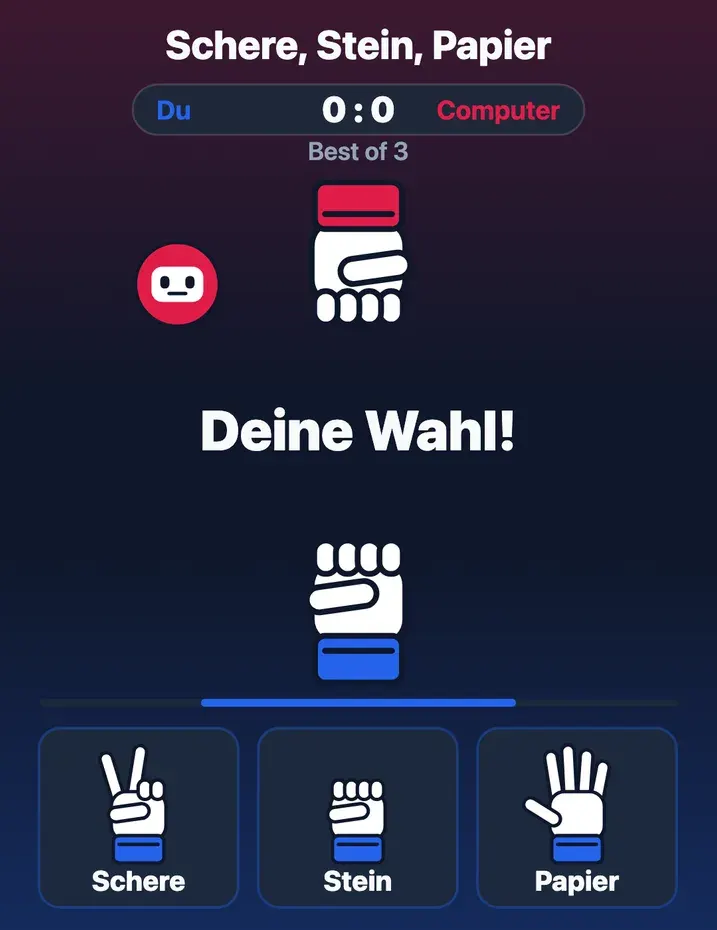
A duel against the computer: tap a gesture or pick it with a key. Best-of match or winning streak, the computer picks fairly at random.
Also on Web & Social
Details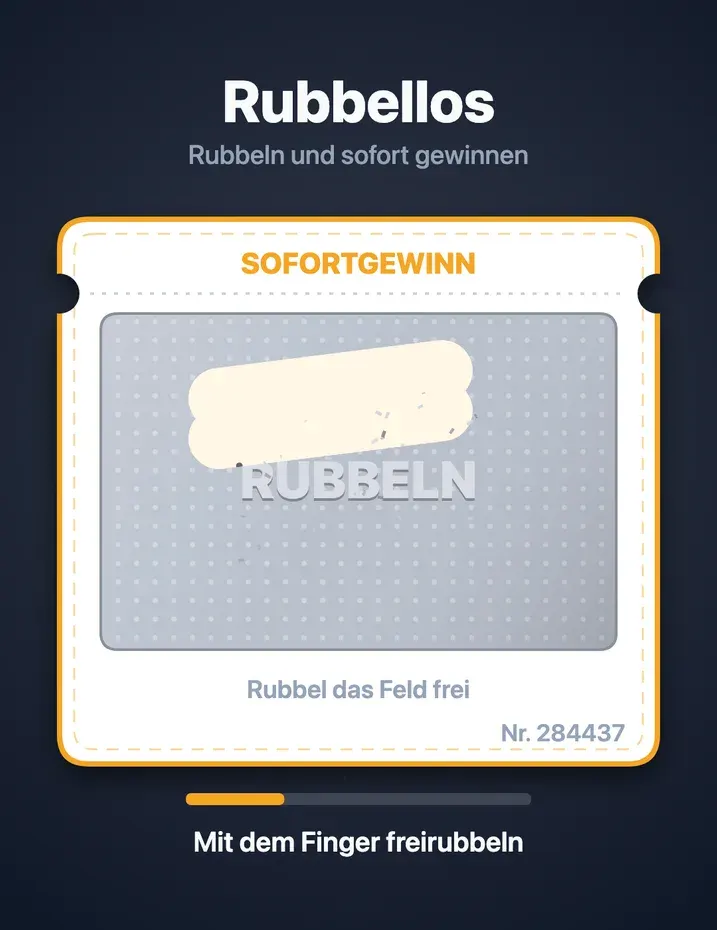
Digital scratch card: scratch with a finger on the phone, hold the key on the screen. The result is drawn before the first scratch, with prize pools and a symbol variant.
Also on Web & Social
Details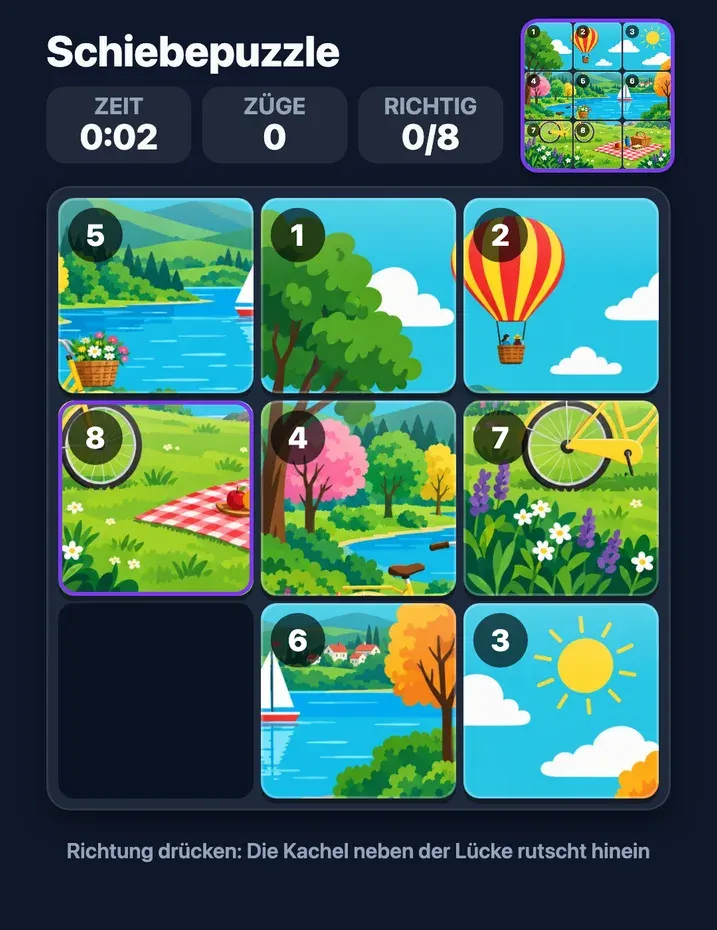
A picture cut into tiles with one gap: slide the tiles back until the picture is whole again. Less time and fewer moves score the most points.
Also on Web & Social
Details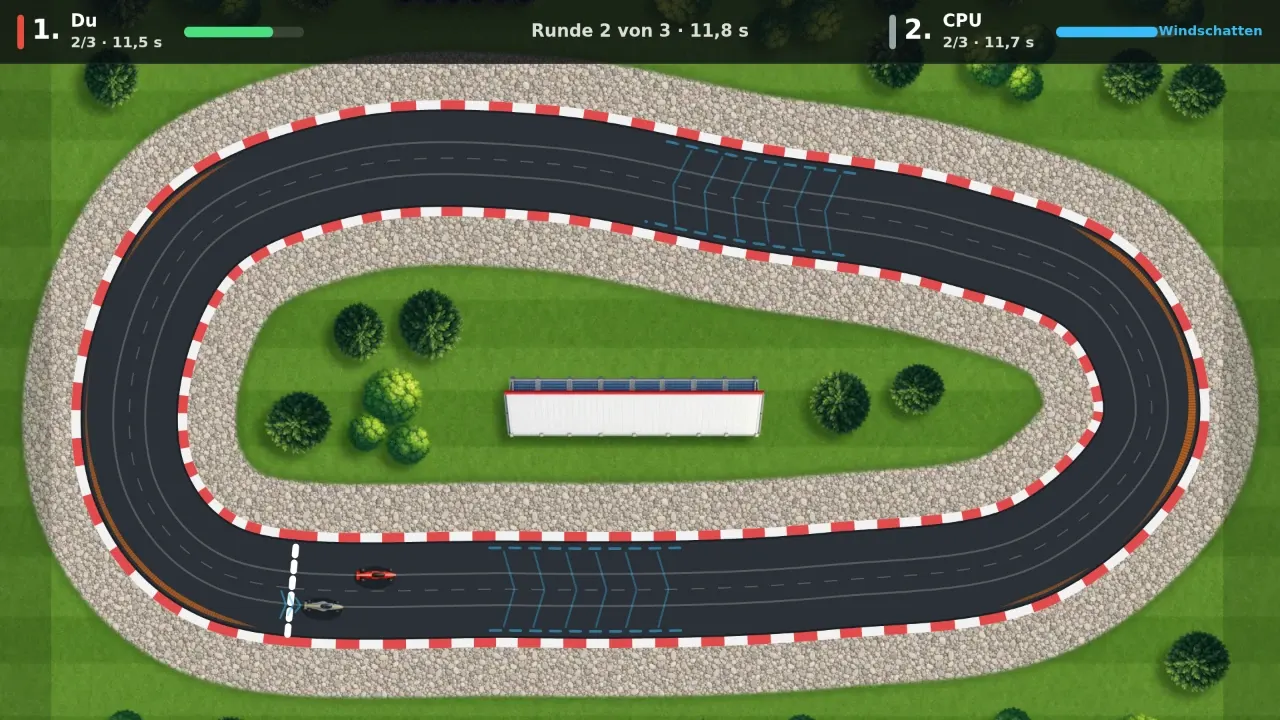
A race track duel with one button: hold to accelerate, let go before the bend, tap twice to switch lanes. Two players on the big screen or solo against the bot.
Details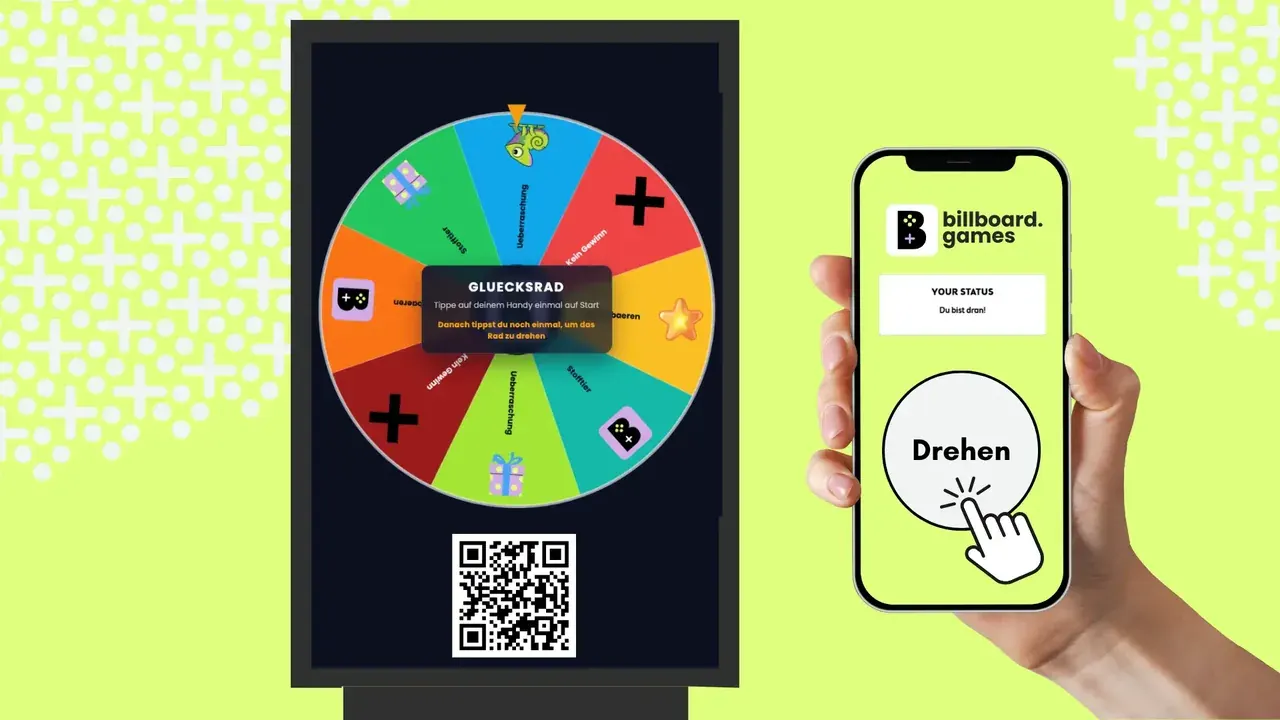
A proven format for prize draws and promotions. A single spin is enough to grab attention and get visitors playfully involved.
Also on Web & Social
Details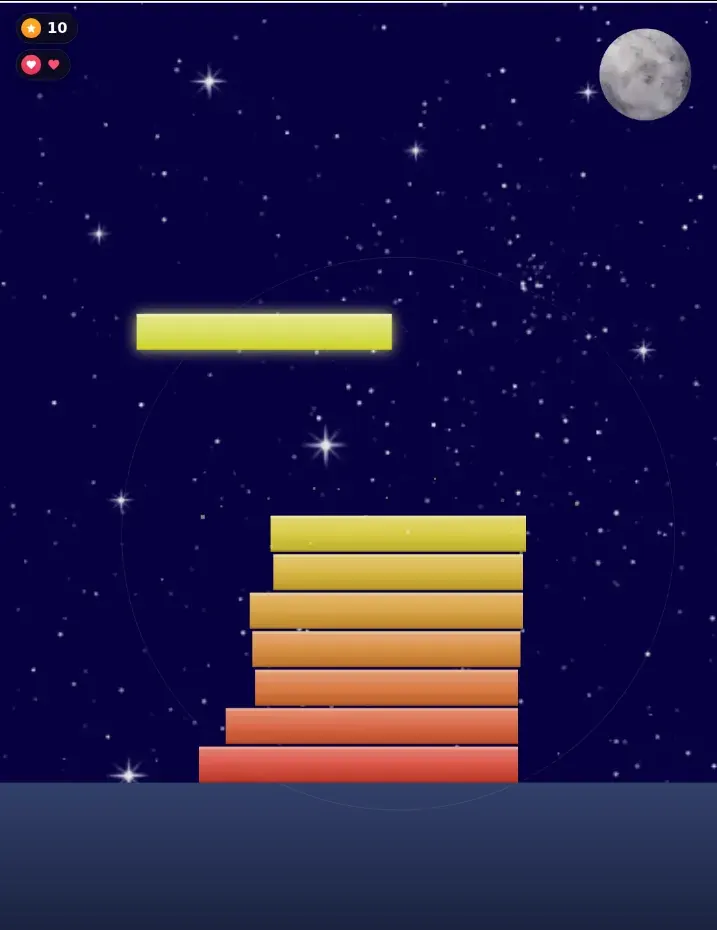
Stop the sliding block at the right moment and build the tallest tower. Precision is rewarded.
Details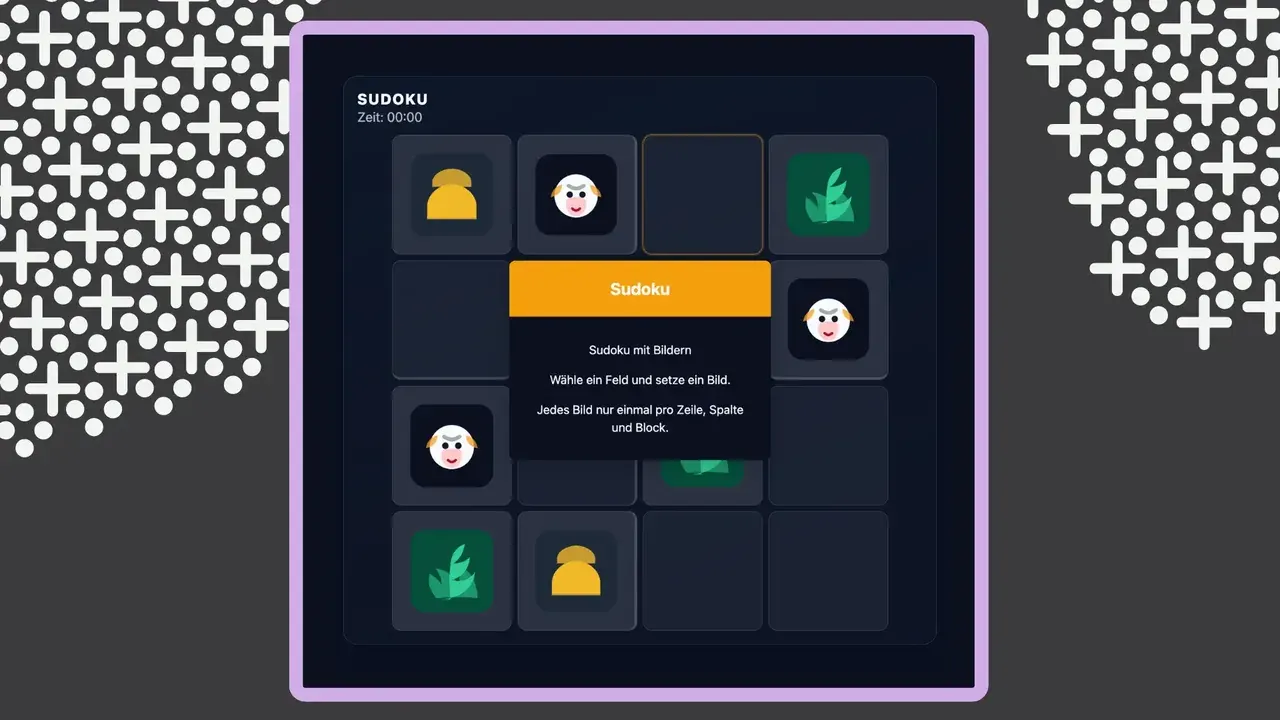
Fill the 9x9 grid so that each number appears only once per row, column, and block.
Details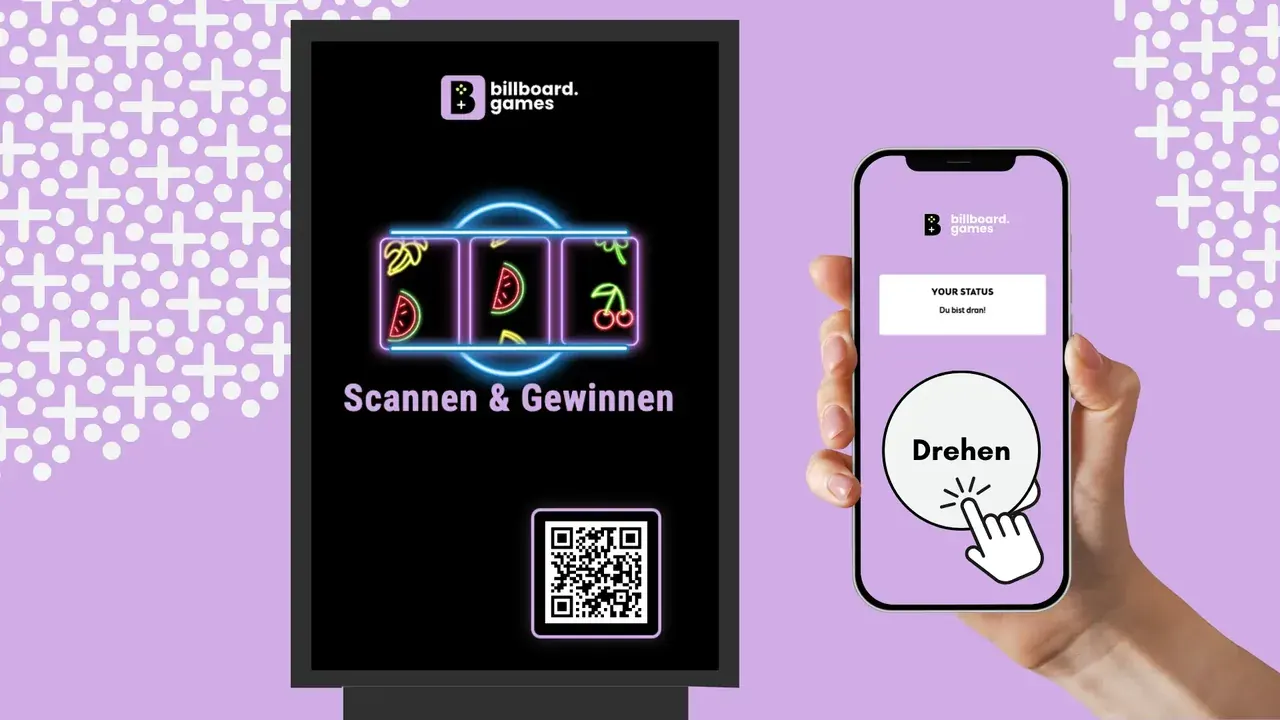
Three columns of your brand symbols spin and stop one after another. If the middle row shows the same motif three times, it's a match.
Also on Web & Social
Details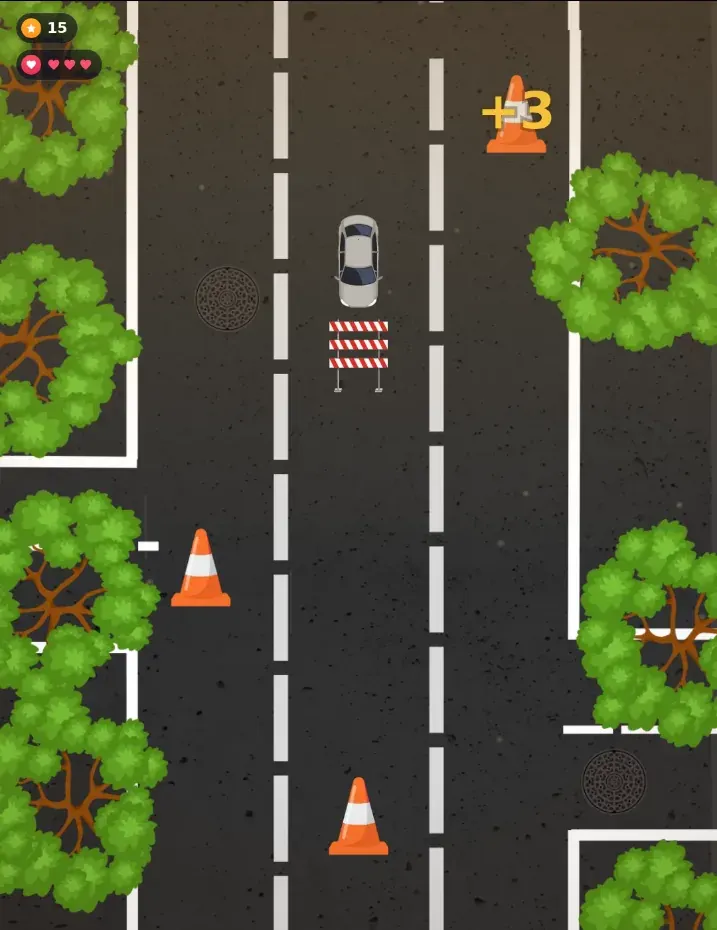
Tap at just the right moment to drift cleanly through every corner. The more precise your timing, the more points you score.
Details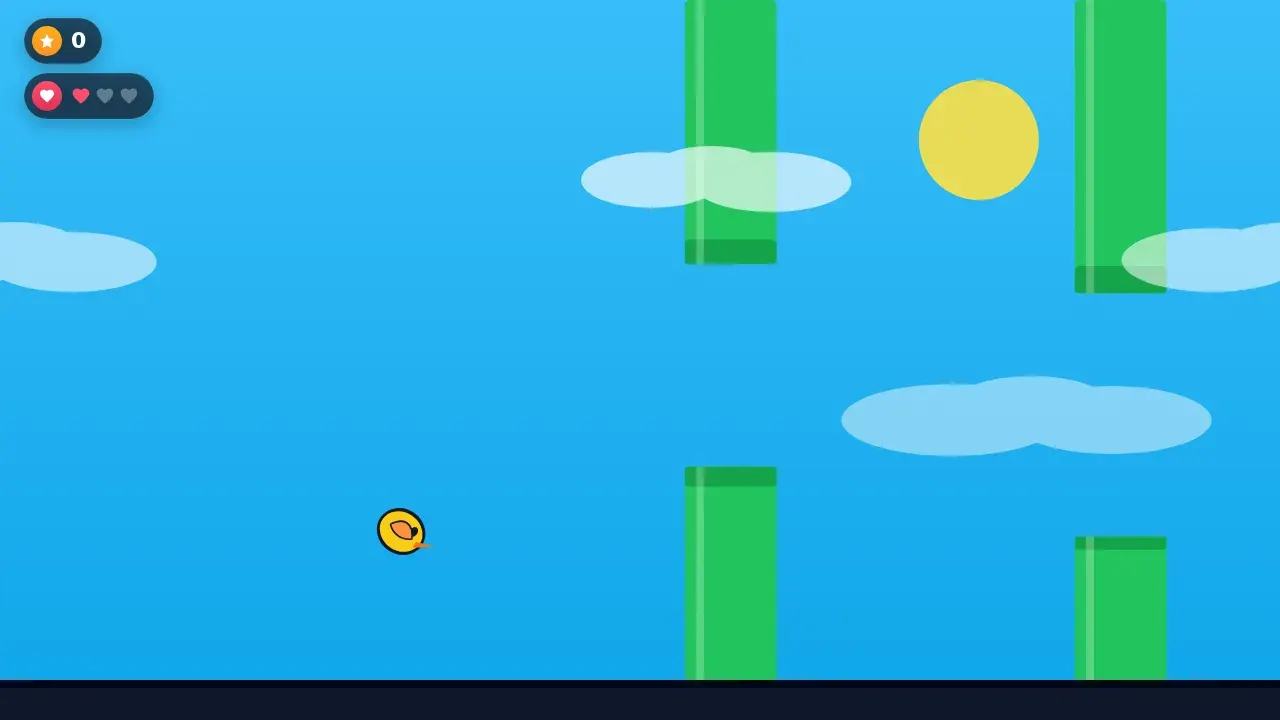
Tap to gain lift and steer through the gaps between obstacles. Every gap you clear earns points.
Details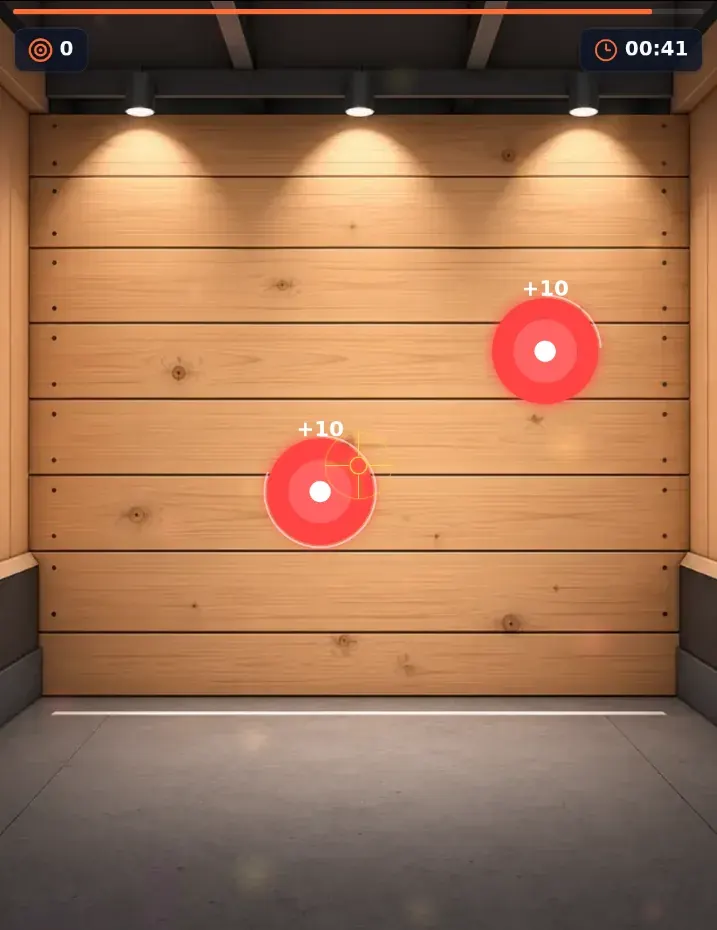
Take aim at moving targets and hit as many as you can before time runs out. Precision is everything.
Details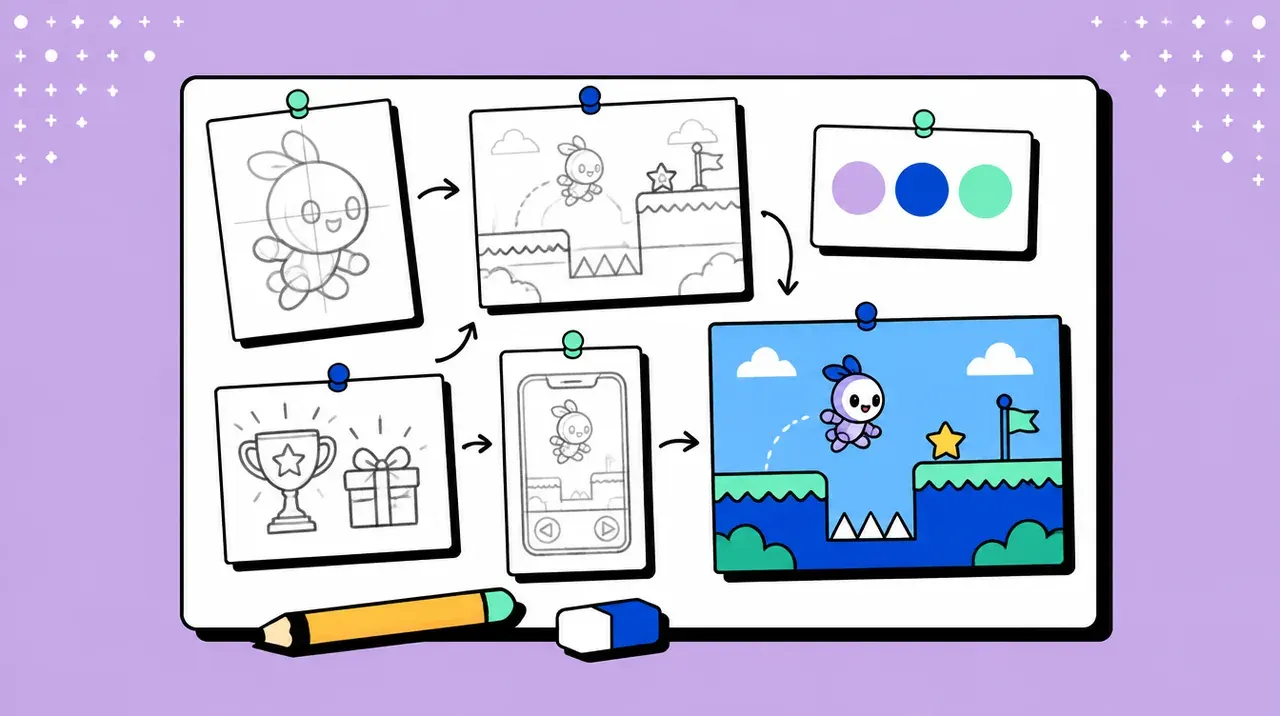
Does your campaign need its own game mechanics? We build a custom game, fully tailored to your brand, audience and goals.
DetailsRequirements
TV, ad screen, LED wall, kiosk or laptop. With a player (Grassfish, Yodeck, Xibo) the game runs like a spot in the playlist.
For the screen – your guests play on their own mobile data.
Logo, colours and the pixel size of your screen.
No app, no new hardware, no server of your own.
FAQ
DOOH screens that passers-by play instead of just watching. With Screen Play the screen shows the game and people control it with their own phone via QR code, no app.
If your player supports HTML5, yes, for example Grassfish, Yodeck or Xibo. The game sits in the playlist like any other content. Without a player, any screen with a modern browser will do, from a smart TV to a laptop.
Yes, many of the games also run on Web & Social, on phones and embedded in your website; the game cards above show which.
Depending on the game, one or several people play on the screen at the same time. Others join the queue and play in the next round. In Web & Social mode there is no limit.
Yes. Your branded game runs on advertising screens in public spaces, right in the screen network’s player, and people play via QR code on their own phone. Stibitzer ran like this on 57 advertising screens across Austria, the OE3 Wake-up Challenge at 18 train stations.
Yes. At a trade show booth, at events or in a shop window, a screen with a browser is enough, and people play with their phone as the remote.
All of them. Portrait, landscape, narrow banners or large LED walls. Send us the pixel size and the layout adapts.
The dashboard shows the live status of every screen, plus rounds played and contacts.
The screen shows the game with a QR code and an invitation to join, so it always looks active.
We'll show you live what your game looks like with your branding on your screen.
20 minutes via video call, no obligation. We usually answer requests within 24 hours.